
Desktop app for novelists
Your story has been waiting long enough.
Plan your story. Write the draft. Publish your book.
One-time purchase · 30-day money-back guarantee · No card for the trial
The outline shows every chapter, scene and beat in order.
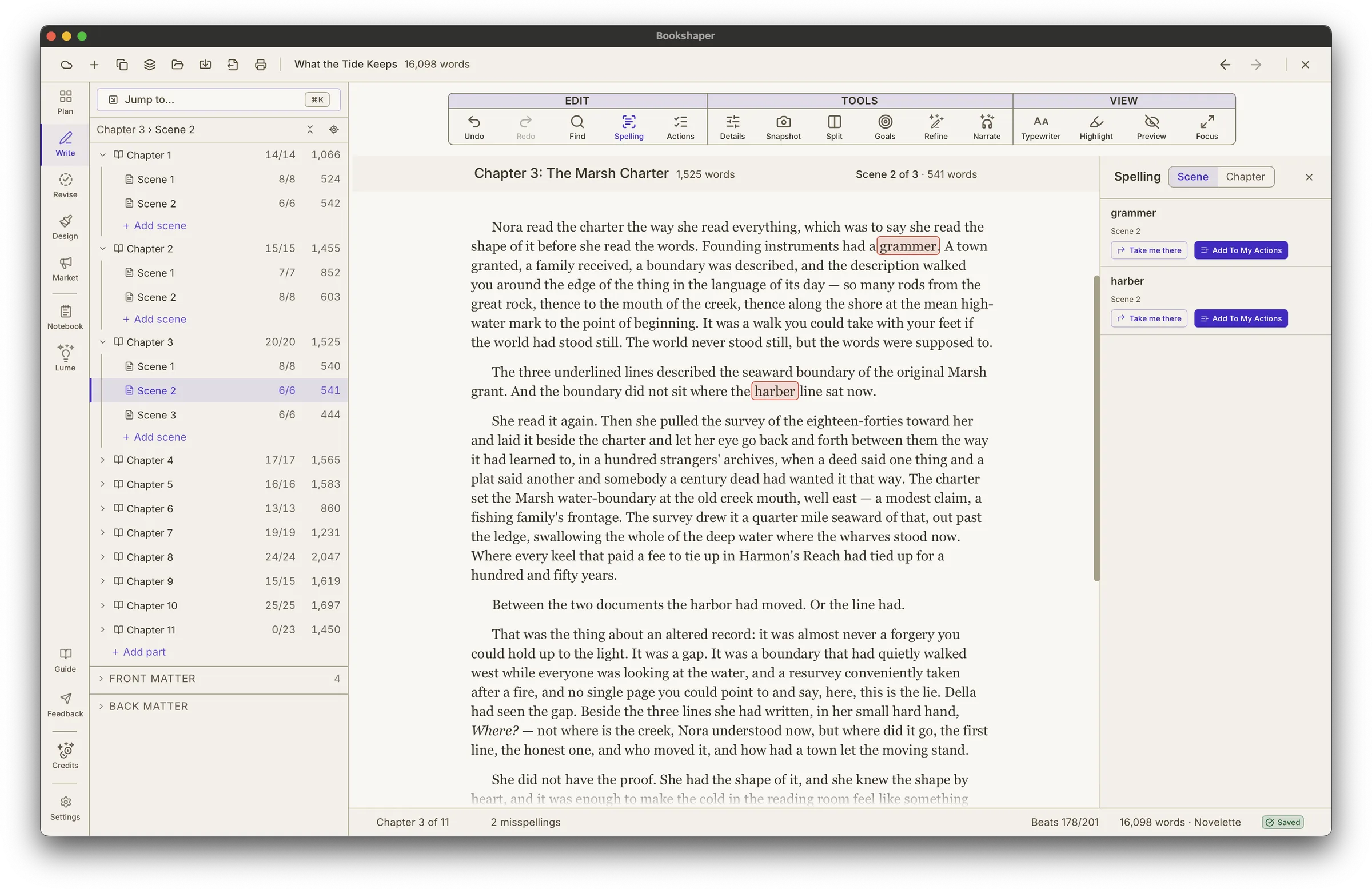
Misspellings are flagged in the manuscript as you write.
Craft feedback points to the exact sentence it is about.
A cover is designed alongside the book.
Comparable titles are listed with why each one fits.
A question about the book is answered from the manuscript.
One application—the entire book lifecycle.
No longer are multiple apps, folders, and spreadsheets needed. Bookshaper replaces them all with a single interface that does it all.
- Stage 01
Plan
Outline chapters, scenes, and beats, with your characters, places, and timeline beside them.
- Stage 02
Write
A focused editor with typewriter mode, sprint goals, and refinement tools to polish your scenes.
- Stage 03
Revise
Edit in the order a real edit runs: develop, line edit, copy edit, proofread.
- Stage 04
Design
Typeset print-ready PDF and EPUB, and design the cover alongside the book.
- Stage 05
Market
Blurbs, store listings, and query letters, drawn from the book you wrote.
Created in Bookshaper
Typeset like a published book.
Pages from a print-ready PDF, exactly as Bookshaper exported them.
Cover Studio
Render the cover before the final page.
Generate genre-aware cover proofs and export them alongside your manuscript.
Your files
Your manuscript lives on your machine.
Manuscripts are stored locally on your computer. When cloud sync is on, they're encrypted on your device before upload and stored encrypted.
- Storage
- Local disk
- Cloud sync
- Optional, encrypted before upload
- AI training
- Not authorized
Your story starts now.
macOS, Windows, & Linux · Free trial, no card required